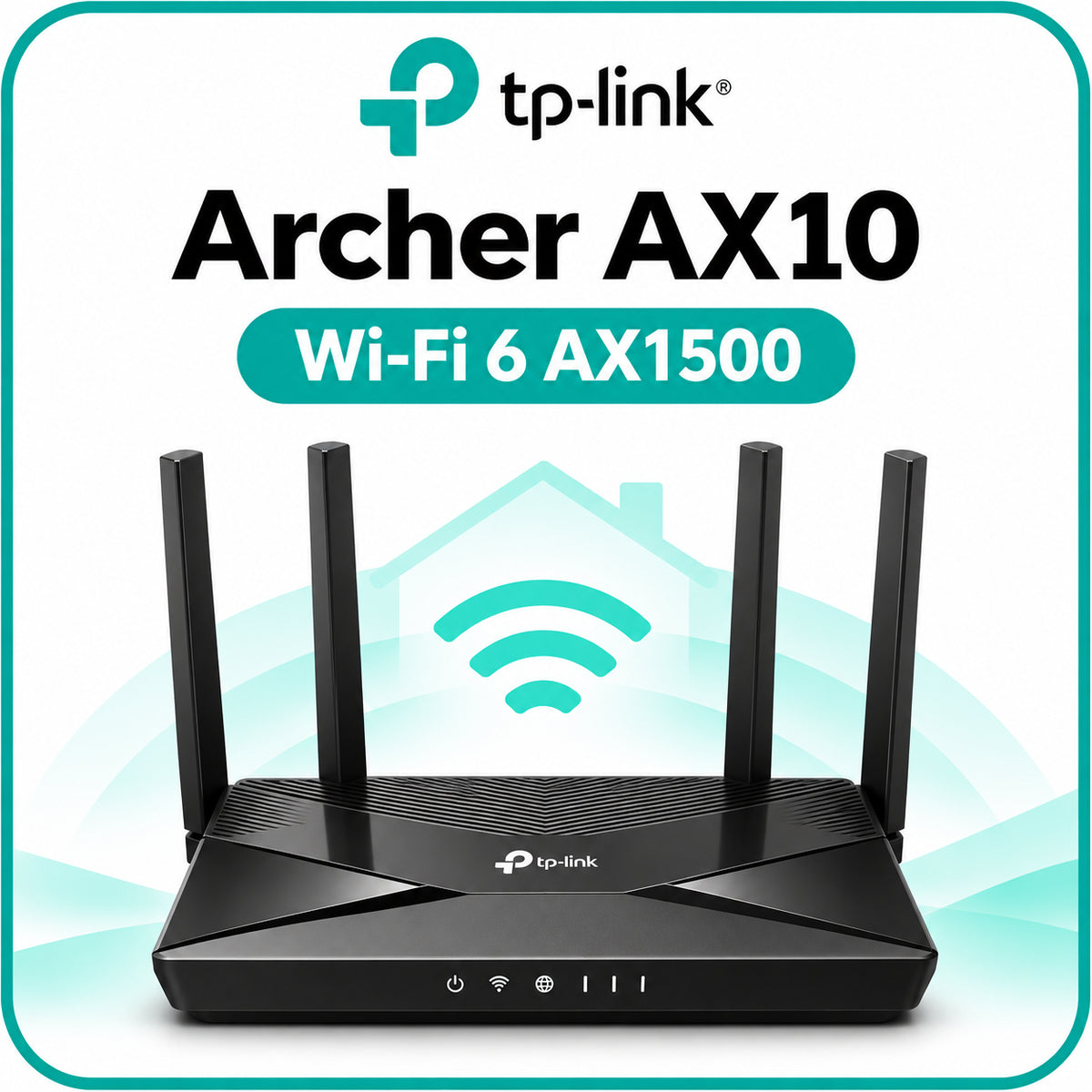
TP-Link Archer AX10 – AX1500 Wi-Fi 6 Router
TP-Link Archer AX10 – AX1500 Wi-Fi 6 Router

TP-Link Archer AX10 – AX1500 Wi-Fi 6 Router brings dual-band connectivity to homes, apartments and small offices. Stream, work and connect smart-home devices with wireless link speeds of up to 1201 Mbps on 5 GHz and 300 Mbps on 2.4 GHz.
Wi-Fi Built for Busy Homes
Keep laptops, phones and compatible connected devices online while different members of the household work, stream and browse. OFDMA helps the router communicate efficiently with multiple compatible Wi-Fi 6 clients, while the 1.5 GHz triple-core processor handles network activity.
- AX1500 dual-band speeds: up to 1201 Mbps on 5 GHz using Wi-Fi 6 and 300 Mbps on 2.4 GHz using 802.11n.
- Four fixed external antennas and Beamforming: direct wireless signals towards connected clients.
- Full Gigabit connectivity: one Gigabit WAN port and four Gigabit LAN ports for wired devices.
- Flexible operation: Router Mode and Access Point Mode.
- Guest Wi-Fi: separate guest networks on the 2.4 GHz and 5 GHz bands.
- Everyday management: TP-Link Tether app and browser-based administration.
- Parental controls: URL filtering and time controls, plus device-based Quality of Service.
Technical Specifications
| Model | TP-Link Archer AX10 |
|---|---|
| Wireless class | AX1500 dual-band |
| 5 GHz standards | IEEE 802.11ax/ac/n/a |
| 2.4 GHz standards | IEEE 802.11n/b/g |
| Maximum wireless link rates | 5 GHz: 1201 Mbps; 2.4 GHz: 300 Mbps |
| Processor | 1.5 GHz triple-core CPU |
| Antennas | 4 fixed antennas with Beamforming |
| Ethernet ports | 1 × Gigabit WAN; 4 × Gigabit LAN |
| Operating modes | Router; Access Point |
| Network protocols | IPv4; IPv6 |
| Network security | SPI firewall, access control and IP & MAC binding |
| Management | TP-Link Tether app; web interface |
| Power input | 12 V DC, 1.5 A, as listed on the linked regional product page |
| Device dimensions (W × D × H) | 260.2 × 135.0 × 38.6 mm, not shipping-package dimensions |
| Operating environment | 0–40°C; 10–90% relative humidity, non-condensing |
Package Contents
- Archer AX10 Wi-Fi router
- Power adapter
- RJ45 Ethernet cable
- Quick installation guide
Package contents, adapter specifications and features may vary by market and hardware revision.
Setup & Compatibility
Connect your internet source to the WAN port, power on the router and follow the TP-Link Tether app or browser-based setup. Internet access requires a service-provider subscription and a compatible modem or ONT where required. Access Point Mode can be used to add Wi-Fi to an existing wired network.
The 2.4 GHz band supports compatible smart-home devices, while compatible phones and laptops can use 5 GHz. Wi-Fi 6 benefits require compatible clients. This is a network router, not a Zigbee hub or a substitute for any separate bridge required by a smart-home device.
FERNSTZHOME Installation & Support in Goa
FERNSTZHOME provides professional Wi-Fi router installation, wireless network configuration, smart-home connectivity setup and guest-network configuration for homes and businesses in Goa. Request a consultation.
Important Information
Wireless speeds are theoretical maximum link rates, not guaranteed internet speeds. Actual throughput and coverage depend on your internet plan, walls, interference, placement and client capabilities. The combined AX1500 rating does not represent the speed of a single connection.
Specifications are based on the linked TP-Link Saudi Arabia product page. Hardware and firmware can differ by region and revision. Confirm the supplied India-market unit before relying on revision-dependent encryption, VPN or mesh features. No India-specific warranty duration is stated here because it has not been confirmed.